
Inside the app
One app for dream capture, body context, and morning clarity.
Dreamline keeps the dream, the body, and the morning read in one place. Today explains the morning. Journal captures the dream. Rhythm adds recovery information. Insights shows what is recurring. Me holds your baseline and settings.
- iPhone-first
- AI is optional
- Apple Watch unlocks Sentinel
Today
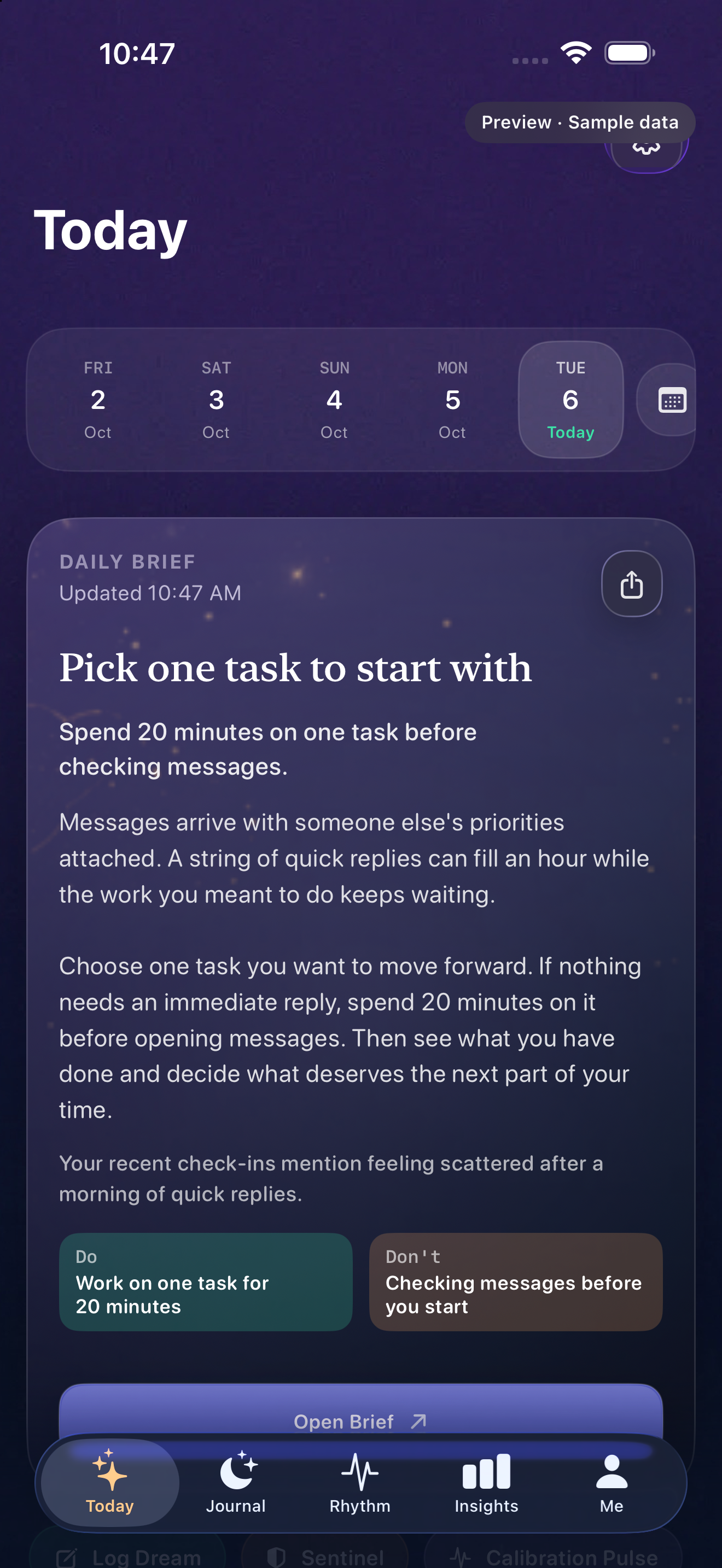
Start the day with something you can use in under a minute.
Today pulls together the latest dream activity, body information, and the most relevant next read before the day gets loud.
It tells you what changed, what deserves attention first, and where to go next.
Journal
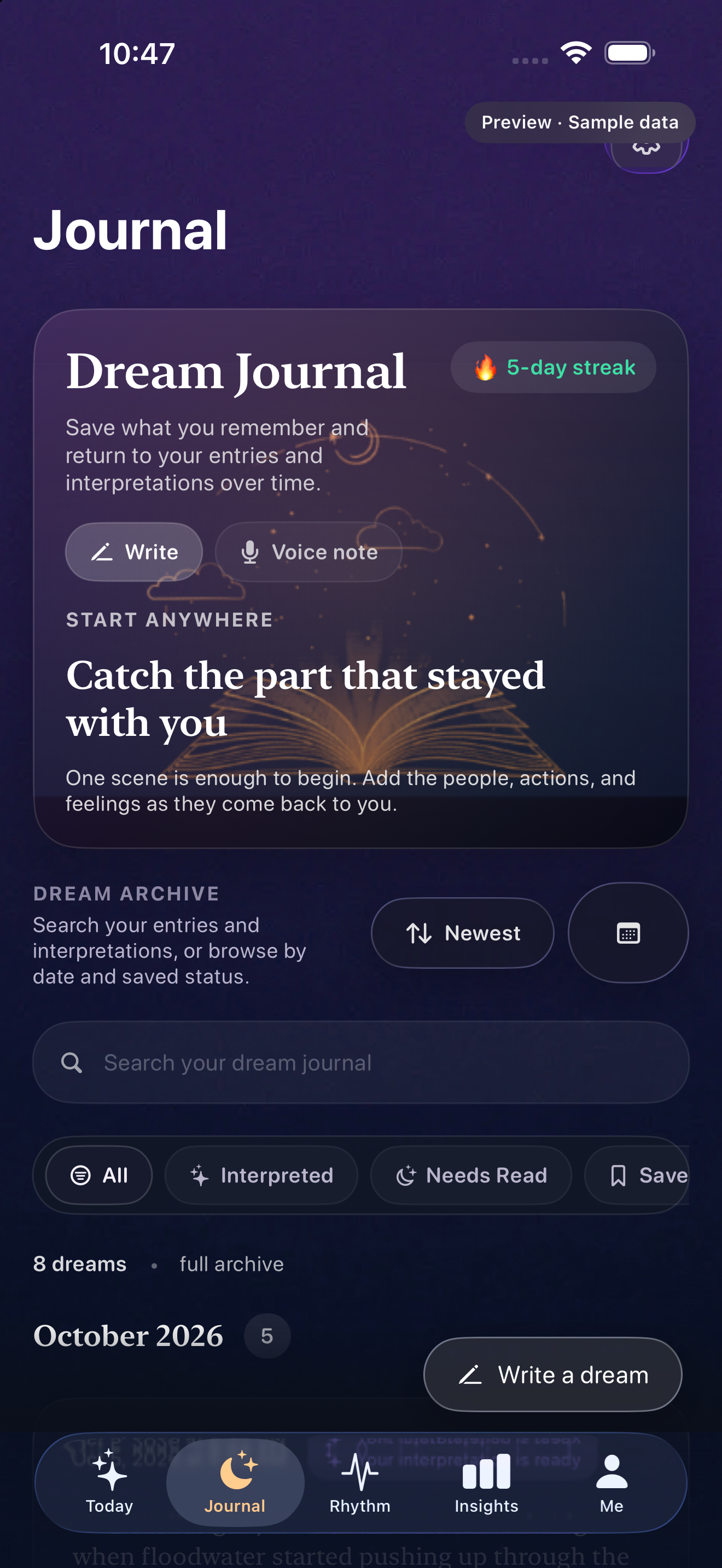
Catch the dream before it falls apart.
Capture is built for the first minute after waking, when the feeling is still there even if the wording is not.
Later, the archive helps you revisit entries, spot recurring images, and add optional AI interpretation when you want another read.
Rhythm
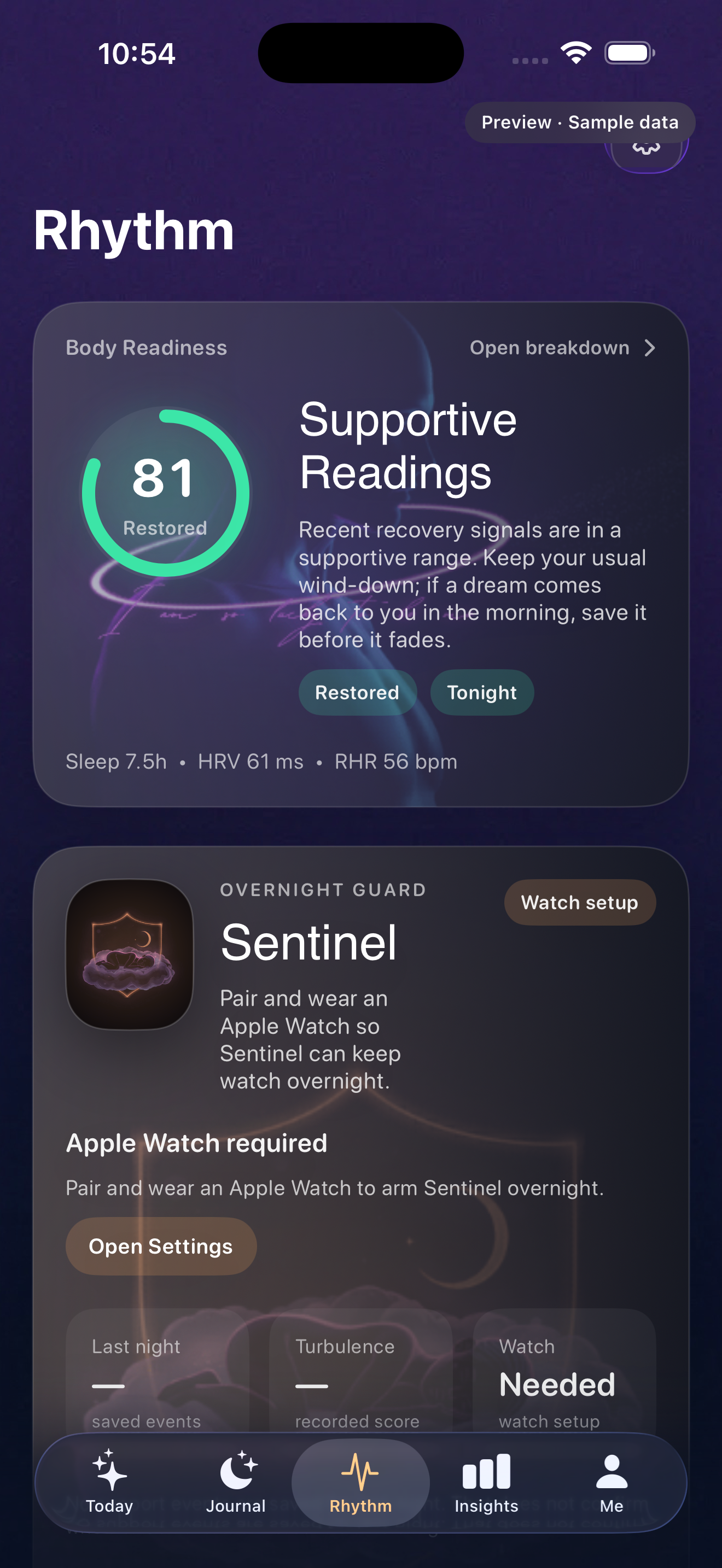
See how your body changed the night.
Rhythm brings together Body Readiness, sleep information, HRV, resting heart rate, and overnight support on Apple Watch.
Readiness uses fixed reference ranges. Your history adds context as you compare nights and notice what changes.
A simple example
The same dream can feel different after a different night.
Sleep history gives you another question to ask when reviewing a dream. Compare what you recorded with how you slept and how the morning felt. A recurring association can be worth exploring, even when its cause is uncertain.
Insights
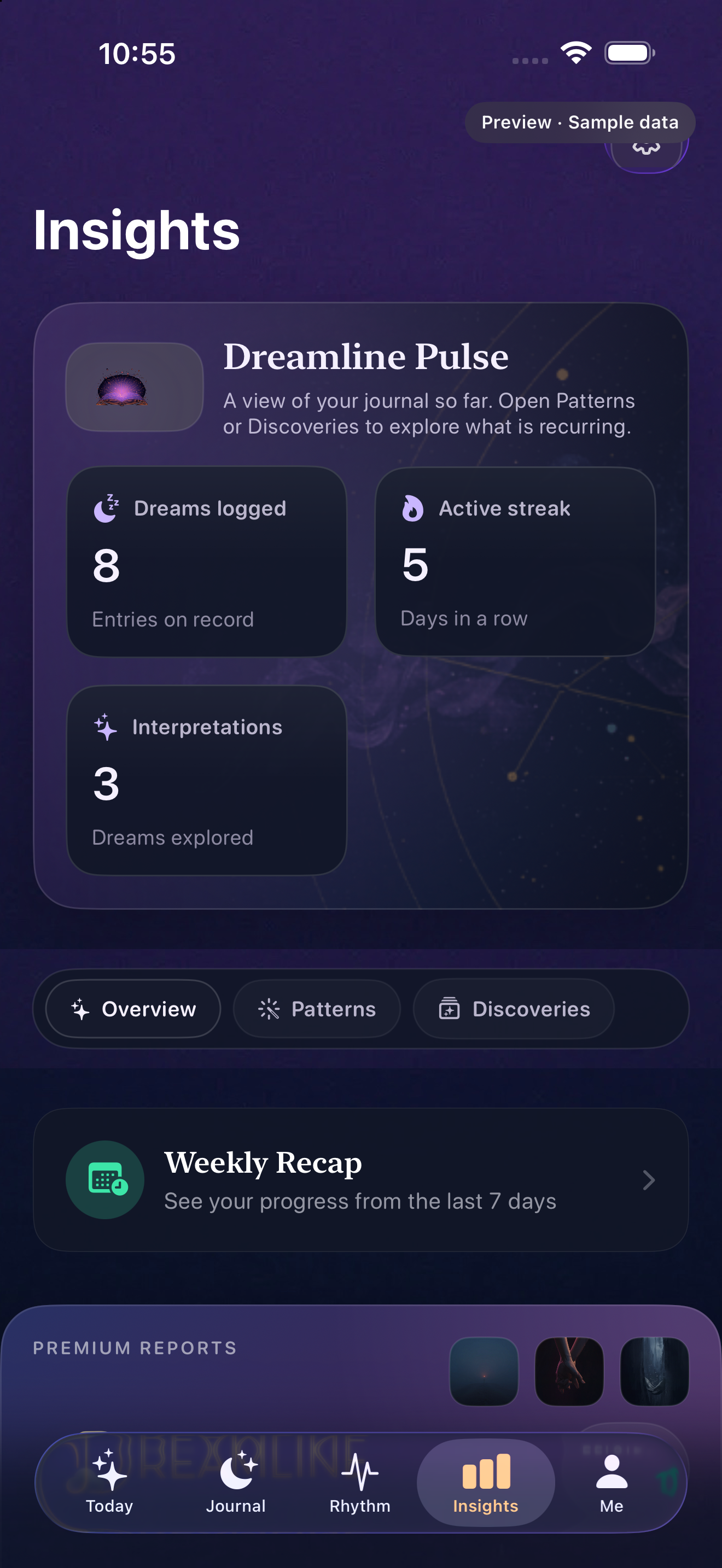
Stop guessing what counts as a real trend.
Insights helps you tell the difference between one strange night and something that deserves attention.
Dream Atlas, Discoveries, and weekly recaps help you revisit recurring images and see the history behind a pattern.
Me
Keep your profile, baseline, and settings in one clear place.
Your Pattern Profile offers a starting point from the questions you answer. Current Pattern shows how that baseline is leaning with more recent context.
Me also keeps saved reading, account settings, subscriptions, and privacy controls within reach.

Download Dreamline
Catch the dream. Read the morning. See what is recurring.
The site gives you the language. The app makes it personal.