
Rhythm
You slept. How was the night?
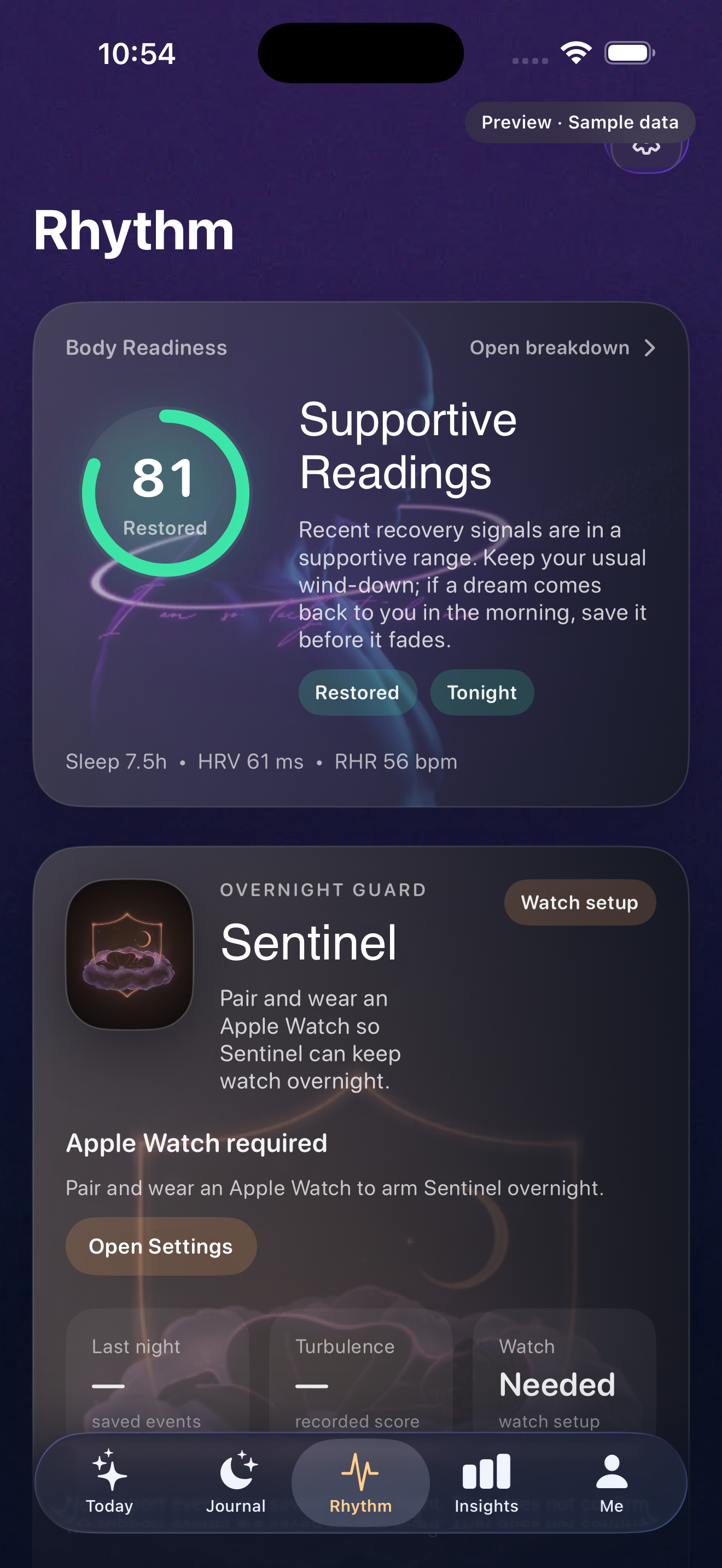
Some mornings, the hours on the clock don't match how you feel. Put sleep duration beside HRV, resting heart rate and your own recollection, then compare with the nights around it.
- Body Readiness
- Apple Health and Apple Watch context
- Sentinel support
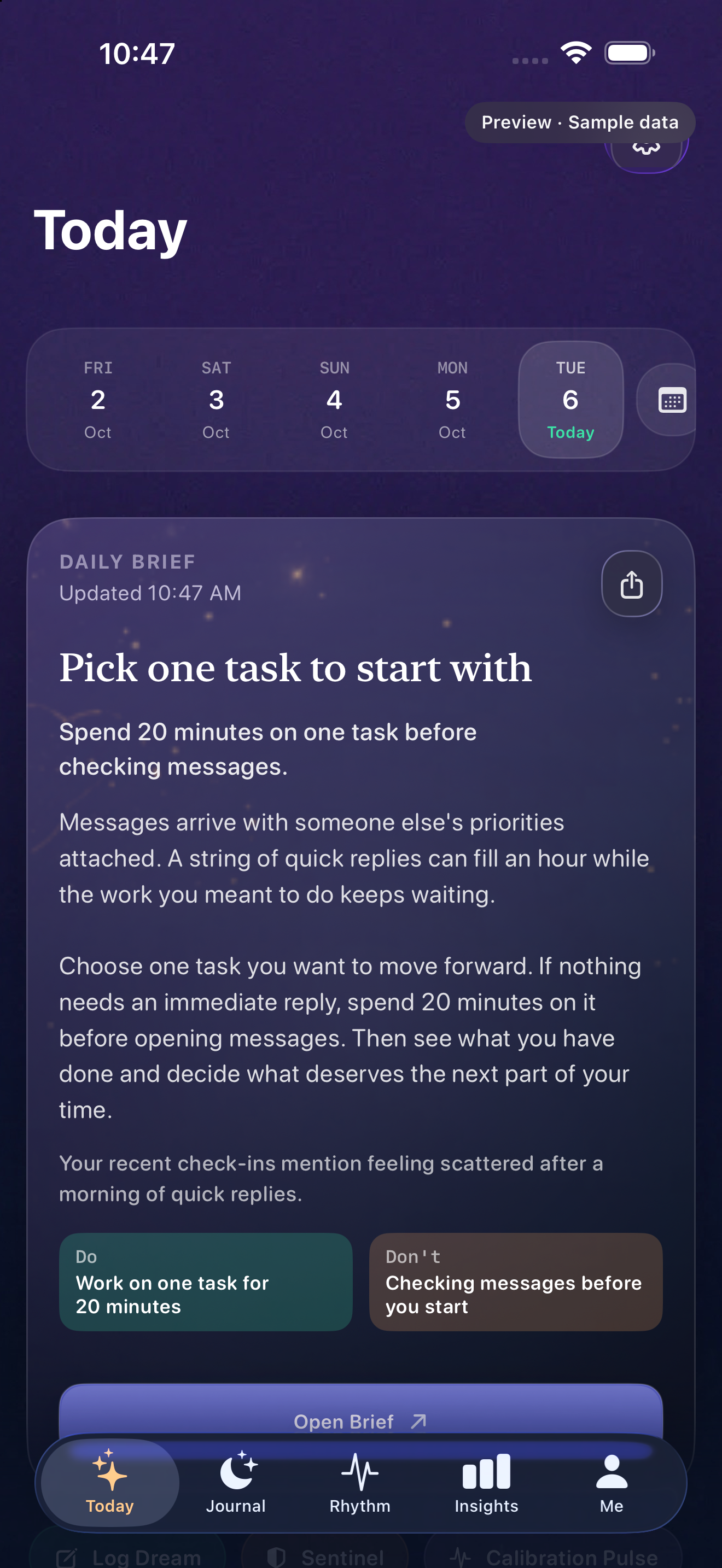

Dreamline screens.
Body Readiness
A score should come with an explanation.
Maybe you slept less than usual. Maybe the available HRV or resting heart rate reading changed. Body Readiness shows what went into today's score, including which readings were missing.
Use that explanation alongside how you feel. Your recent history gives you something to compare before you decide how much to take on today.
Dreamline screen.
Trends
Was it one rough night, or is something repeating?
One night can feel like the whole week when it's the one you remember. Compare your sleep timing and readiness across actual recorded nights, then look at the dream themes that returned.
Discoveries brings recurring associations back to the entries behind them. When you have enough history, you can choose a small change to try and keep recording what happens. An association alone doesn't tell you the cause.
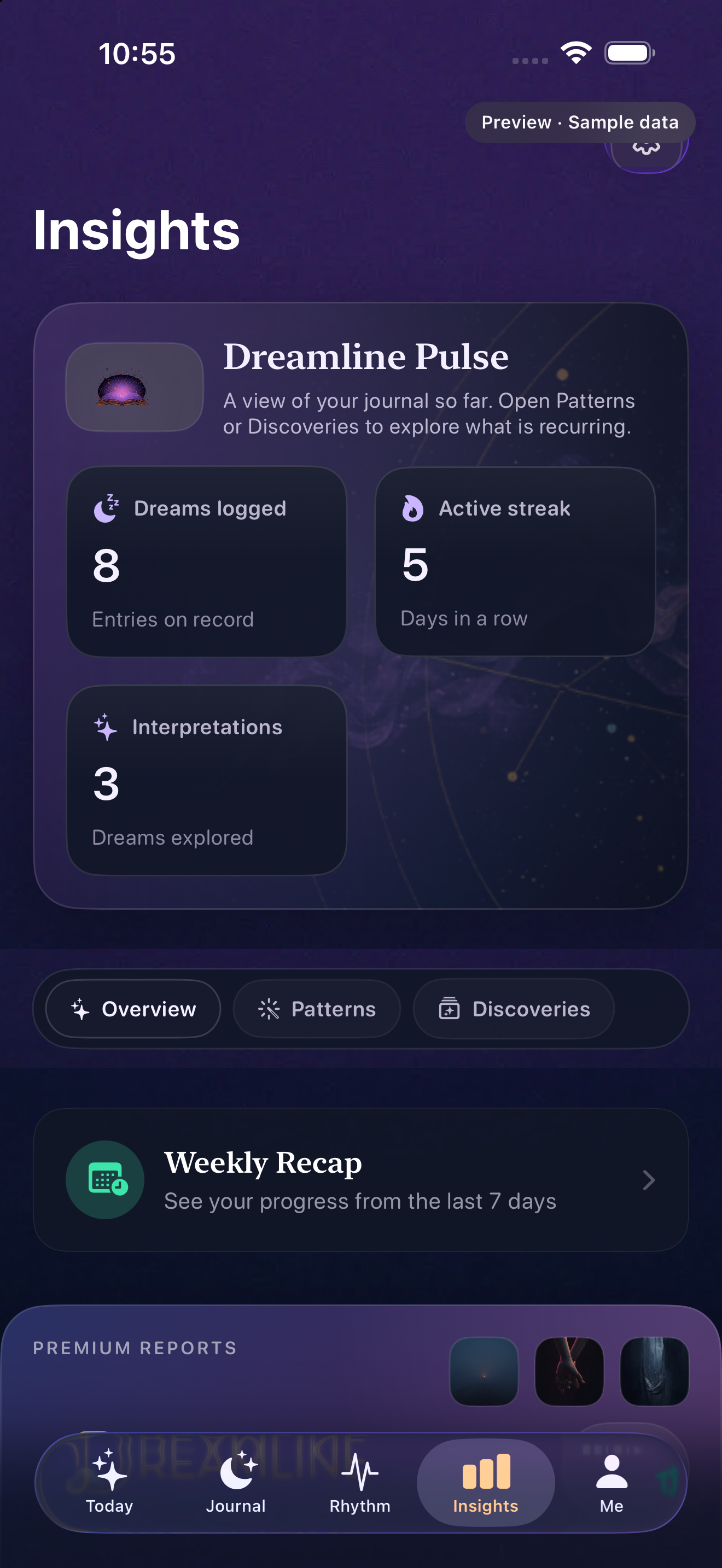
Dreamline screen.
Sentinel
For the parts of the night you don't remember.
Optional Sentinel monitoring on Apple Watch can record overnight events and offer gentle haptic cues when selected signals cross your settings' thresholds.
In the morning, compare those events with what you remember and the sleep data available. An event can't tell you what you were dreaming, and no recorded event doesn't prove the whole night was monitored.
Sentinel is a wellness feature, not a medical device.
Read the Sentinel method page
Dreamline screen.
Download Dreamline
Put a memorable night in context.
Remember the dream. Check the night around it. Give yourself a record you can learn from over time.